Tips & FAQs

A short guide to getting the most out of Support Groups — how to post, connect, look after yourself, and stay safe.

Getting started

The basics for finding your feet on Support Groups.

How do I share what I'm going through?
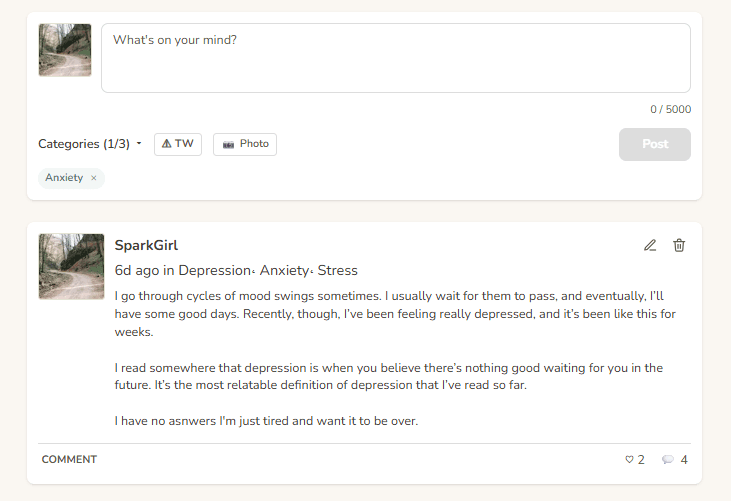
Type in the "What's on your mind?" box at the top of the home page, pick one or more categories (Abuse, Anxiety, Grief…), and hit Post. You can edit or delete your post any time using the pencil and trash icons in the top-right corner of your post.
What if I write something too intense to share?
Turn on Trigger Warning before posting (the "⚠ TW" toggle next to the categories). Your post will be hidden behind a warning so readers can choose whether to open it.
Why am I being asked to wait before posting again?
Brand-new accounts have a modest posting limit for the first day as a gentle anti-spam measure — it's not personal. The limit lifts automatically after your first 24 hours; from then on, post as often as you like.
Where do I go if I just want to read?
You never have to post. Scroll the feed, open Groups you relate to, or read a Letter of Hope from someone who's been where you are.

Community & connection

Ways to reach out to other people here.

What does "supporting" someone mean?
It's a soft follow. You'll see their posts more easily, and once you both support each other, direct messages open up. Start from the Support Someone page.
Why can't I message someone?
DMs only open once you and the other person both support each other. This keeps conversations to people who've mutually opted in — no unsolicited messages, in either direction.

Safety & privacy

You're in control of what you see and who reaches you.

How do I report a post or comment?
Tap the flag icon in the top-right corner of any post or comment that isn't yours. You'll be asked for a short reason; moderators review every report.
Can I block someone?
Yes — open their profile and tap Block. You won't see them, they won't see you, and any existing support/messages between you are cleared. Manage your list under Blocked users.
What if I'm in crisis right now?
Please reach a real person who can help. Open Crisis Support for the phone lines closest to you — free, confidential, 24/7.

How the tools work

A closer look at each service — what it does, when to reach for it, and where to find it in the app.

Mood Tracker

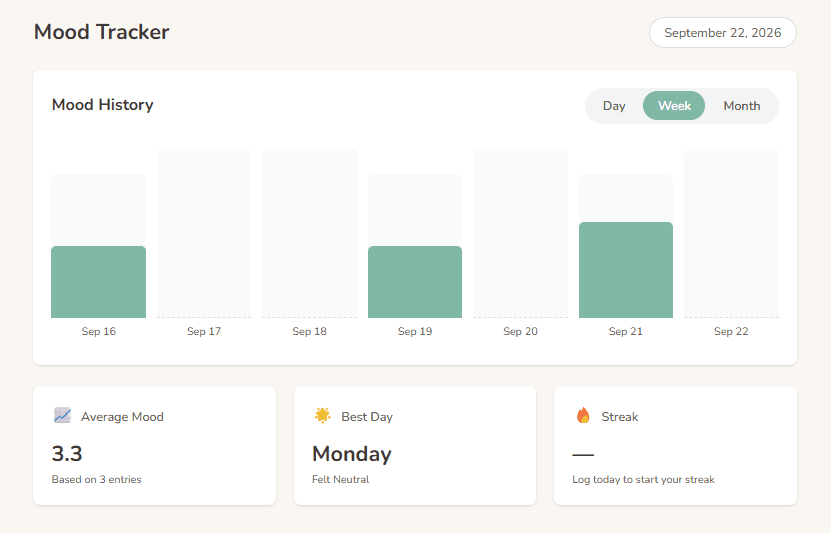
Once a day you'll see a gentle prompt to log how you're feeling. It only takes a tap. Watch trends over time on the Mood Tracker. You can turn the reminder off in Settings.
Mood Tracker

Journal

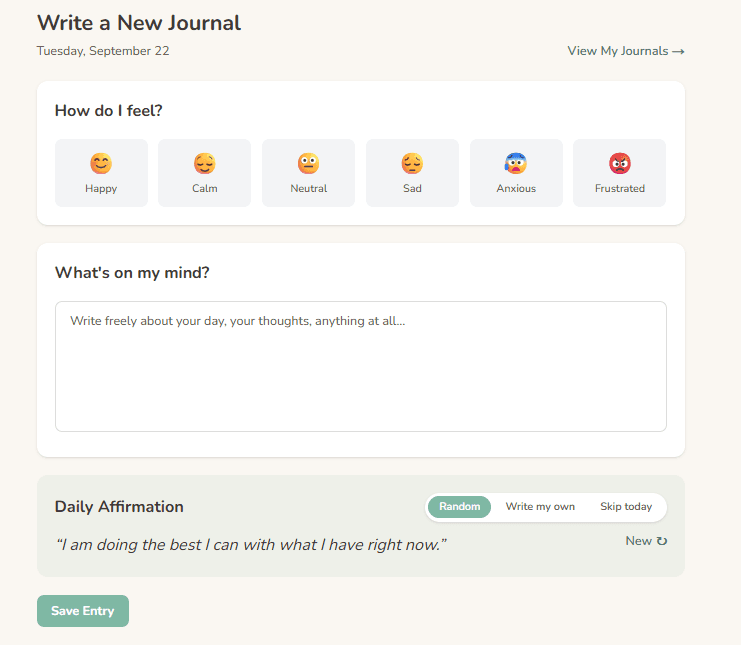
Private, off-the-feed writing. Nobody else sees your journal entries — it's a place to unload without an audience.
Journal

Live Support Group

Go to Groups, tap Join on any group that fits. Joined groups' posts surface first in your home feed. You can leave any time.
Live Support Group

Breathe

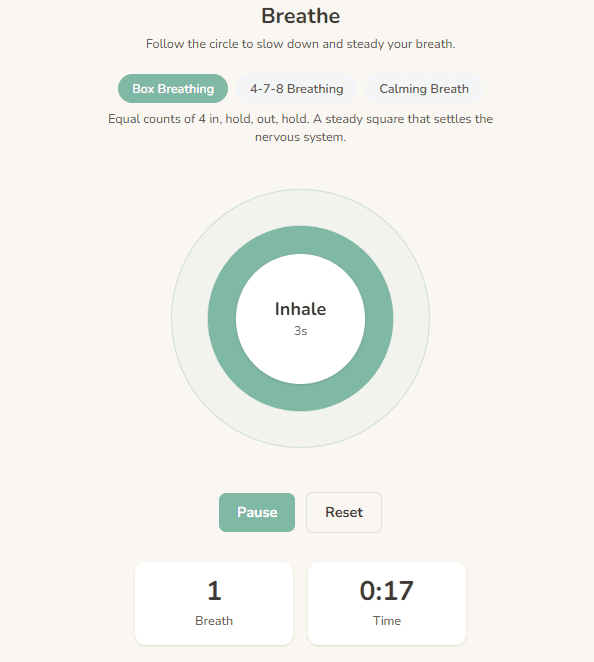
Any time your chest feels tight, thoughts race, or you just need a minute. The Breathe page walks you through a paced exercise with a visual guide.
Breathe

Still stuck, or something not working right?

Get in touch